· Prakash Natarajan · Reliability · 16 min read
Human in the Loop AI Agents: When to Escalate to a Person
Human in the loop AI agents need a real escalation rule: confidence thresholds, deflection rate math, and the multi-tenant catch most guides skip.
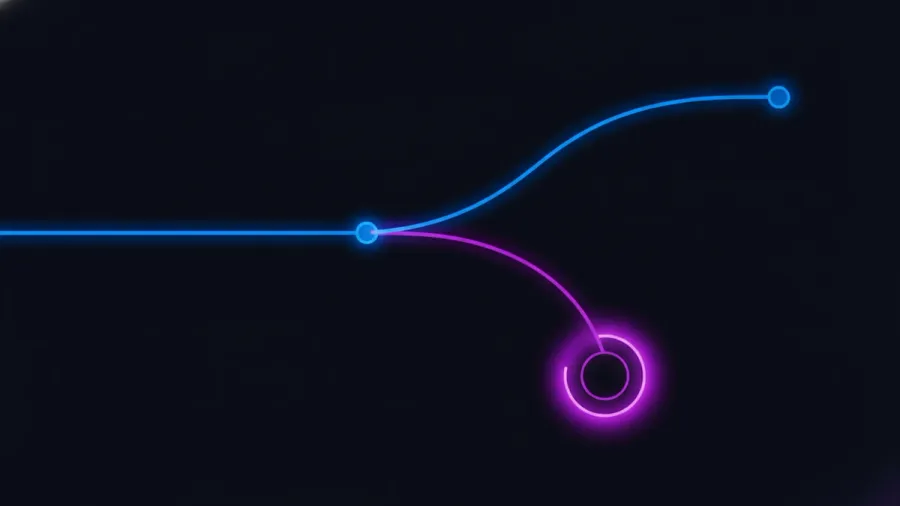
Human in the loop means an AI agent pauses at a specific point and waits for a person to check, correct, or approve its work before it continues, instead of running a task start to finish on its own. For a support copilot or a sales assistant, the useful version of this is not “add a human somewhere,” it’s a specific rule for exactly which situations pause the agent, wired into the same numbers you already report to your own customers. Most explanations of the concept stop at the definition and a few industry examples. This one covers the routing rule itself, what an escalation actually does to your deflection rate and cost per resolution, how to keep two customers’ review queues from touching each other, and what the pattern looks like in LangGraph, CrewAI, and LlamaIndex.
What does human in the loop actually mean for an AI agent?
Human in the loop describes a specific design choice: at one or more points in an agent’s workflow, execution stops and a person has to act before the agent can proceed, rather than the agent completing the task unattended.

That’s different from two related terms that get used loosely alongside it. Human on the loop describes a person watching a dashboard and able to intervene, but the agent doesn’t wait for them; it keeps running unless someone actively stops it. Human over the loop, sometimes called management by exception, only pulls a person in when a metric crosses a threshold, otherwise the whole system runs unsupervised. Human in the loop is the strictest of the three, because the agent cannot finish that particular step until the person responds, which is exactly why it costs time and money in a way the other two patterns don’t.
It’s also worth separating human in the loop from reinforcement learning from human feedback, since the two get conflated constantly. RLHF uses human ratings to train or fine-tune a model before it ships, a one-time or periodic process that happens upstream of any live conversation. Human in the loop happens live, inside a specific production task, gating one particular agent run rather than shaping the model’s weights. A team can do both, or neither, and doing one says nothing about whether the other is happening.
Why can’t every AI agent just run fully autonomous?
An agent can run every step correctly and still take an action a person would have stopped, because correctness and judgment are not the same thing, and a model has no way to know when it’s about to cross from one into the other.

The clearest case is an irreversible action: issuing a refund, cancelling a subscription, sending an email to a customer’s entire account team, or closing a support ticket a customer actually still needed open. None of these are hard for a model to execute technically. What’s hard is knowing, in the specific conversation in front of it, whether this is the ordinary case the training data covered well or the edge case where the “obviously correct” action does real damage. A model that’s right ninety five times out of a hundred will still be wrong the other five, and for anything irreversible, five wrong actions in a hundred is not a rounding error, it’s a support ticket, a chargeback, or a customer who leaves.
The second case is genuine ambiguity: a request that could reasonably mean two different things, where guessing wrong doesn’t just produce a slightly worse answer, it produces the wrong action entirely. A customer asking to “cancel my order” might mean the whole account or one item in a multi-item order, and an agent that silently picks one reading has a real chance of picking wrong. The honest fix isn’t a smarter model, it’s recognizing that some requests carry enough ambiguity that guessing is the wrong move regardless of how capable the model is, and routing those specific cases to a person instead of trying to train the ambiguity away.
How do you decide when an agent should escalate to a person?
You decide with a confidence threshold: a number your agent produces alongside its answer that tells you how sure it is, split into bands that route to different outcomes, so the decision is a rule the system enforces rather than a judgment call made case by case.

A workable starting split most teams converge on looks like three bands. Above a high-confidence line, roughly the top band, the agent proceeds on its own; the model’s own certainty and the historical accuracy of similar responses both say the risk of a wrong action is low enough to accept. Below a second, lower line, the agent should refuse to act at all and hand off immediately, because low confidence on an irreversible or ambiguous action isn’t worth a coin flip. The middle band, between the two lines, is where a human in the loop step earns its cost: confident enough that full escalation to a live agent feels excessive, but not confident enough to act unsupervised, so the agent drafts the action and a person approves or edits it before it fires.
Where you set those two lines is a business decision, not a technical one, and it should move with the stakes of the action, not stay fixed across your whole product. A password reset and a wire transfer confirmation shouldn’t share the same threshold even if the model reports the same confidence score for both, because the cost of a wrong action is wildly different between them. Set the threshold per action type, not per agent, and revisit it against real outcomes: if the middle band is catching mostly fine actions that didn’t need a person, tighten it; if actions above your high-confidence line keep turning out wrong, that line was set too low to begin with.
How does an escalation change the deflection rate and cost per resolution you report to customers?
An escalated conversation is, by definition, not deflected, since deflection rate counts contacts resolved without a human touch, and an escalation is exactly a human touch. What most teams get wrong isn’t that math, it’s when in the process to count it.
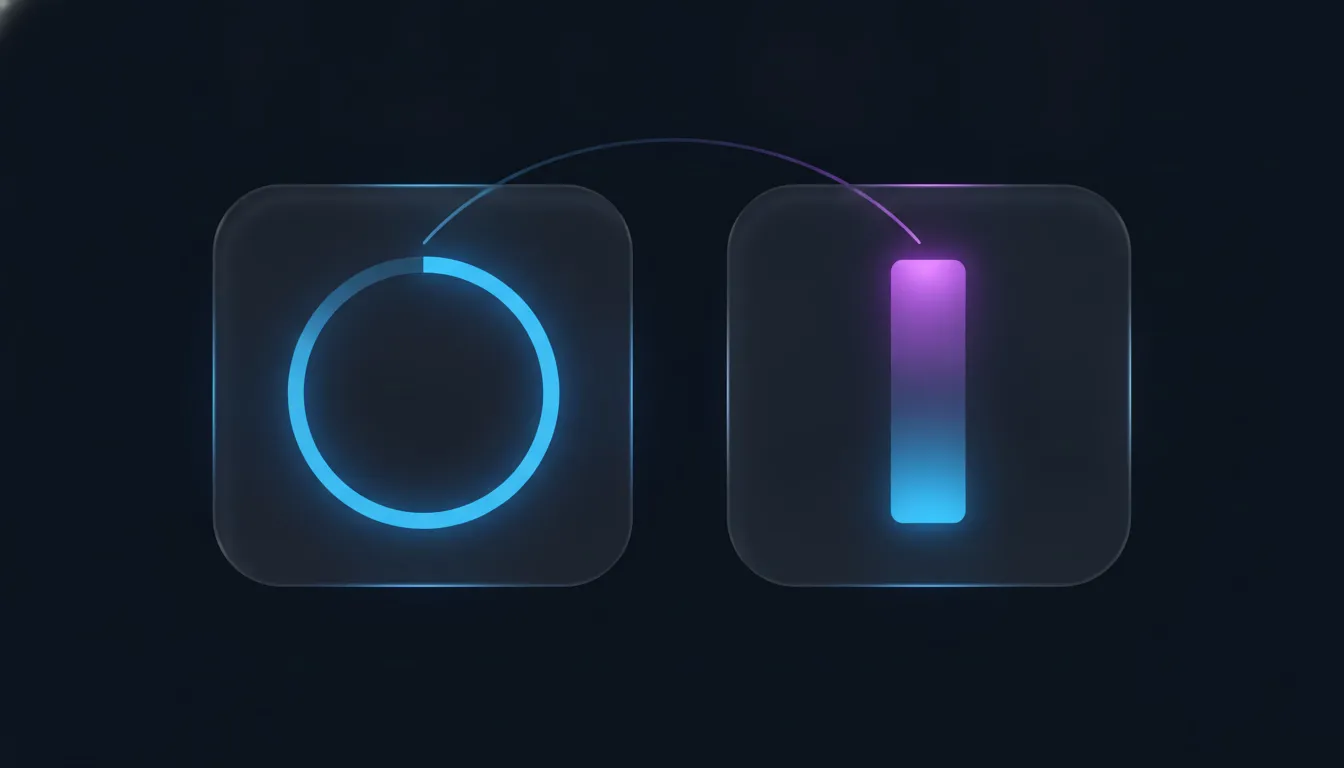
The honest version counts a conversation as escalated the moment it crosses into the human-in-the-loop band, not the moment a reviewer finally acts on it. A conversation sitting in a review queue for six minutes before someone approves the drafted reply was never deflected, even though the agent did nearly all the work. Some teams are tempted to count that as a deflection since the draft went out mostly unedited, but that quietly inflates the number and breaks the moment a customer asks how “deflected” is defined. Keep the two counts separate on the dashboard your customer sees: contacts fully resolved without a person, and contacts the agent drafted but a person approved.
Cost per resolution moves the same direction, just less obviously: a conversation in the review band still costs the model calls the agent made drafting the response, plus a reviewer’s time, however brief. If your cost-per-resolution figure only accounts for API spend, adding a human-in-the-loop band makes that number look artificially flat even as real cost rises. Attach a reviewer-time estimate, even a rough one, to every escalated resolution, so the number a customer sees reflects what the conversation actually cost, not just the part that’s easy to meter.
How do you keep an escalation queue safe in a multi-tenant product?
You keep it safe the same way you keep any other customer data safe: a reviewer assigned to one customer’s account should never be able to see, search, or accidentally approve an escalation that belongs to a different customer, and that boundary has to be enforced at the data layer, not just hidden in the interface.
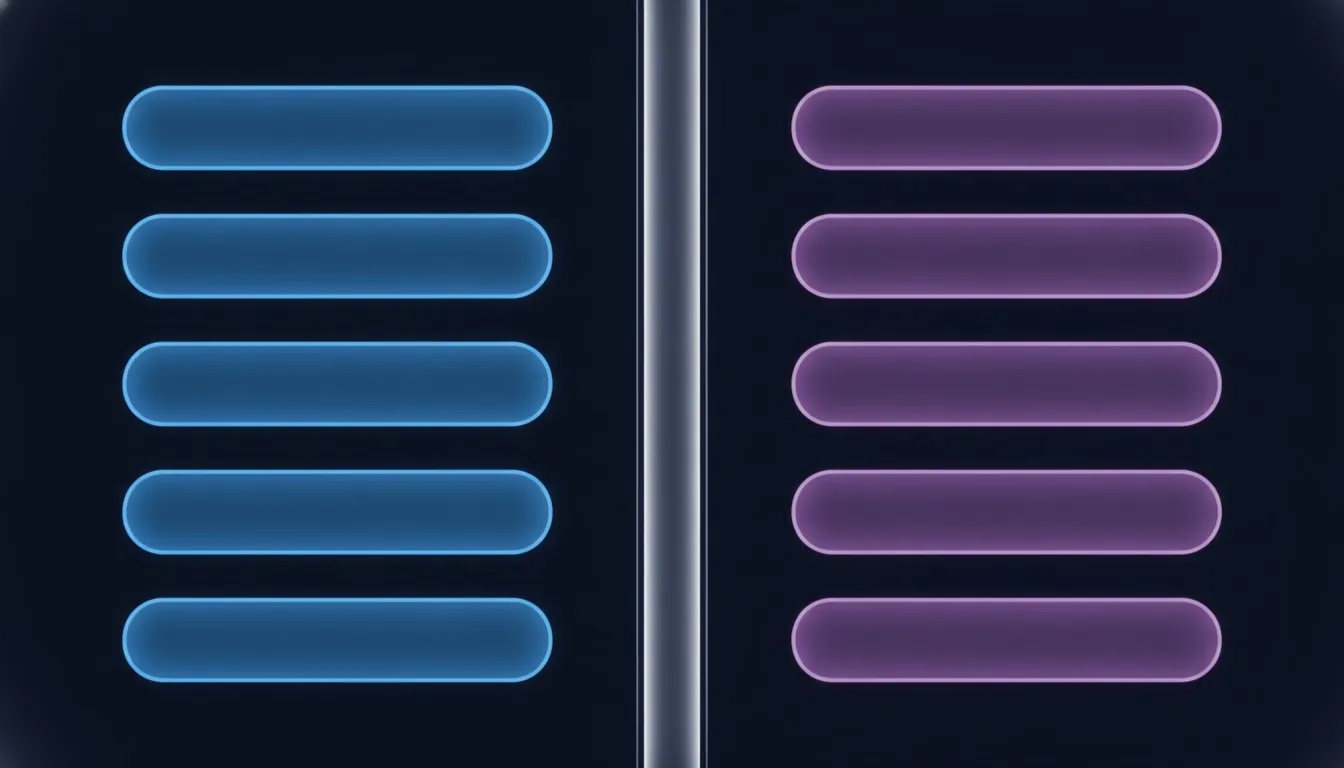
The design mistake that causes leaks almost always starts the same way: a single shared escalation table gets a tenant ID column added after the fact, and the queue view filters by that column in the display layer. That works until a query gets written without the filter, a cache serves a stale unfiltered result, or a hurried internal admin tool skips the check, and now one customer’s escalated conversation is sitting in the wrong reviewer’s queue. This is the same multi-tenant analytics problem AiAgRe’s tracing layer solves by default, scoping every trace and escalation to its tenant at the point of capture rather than patching a filter on afterward.
If your reviewers are your own internal team rather than the customer directly, the isolation problem doesn’t disappear, it just moves. A reviewer working across five customer accounts in one shift needs role-based access scoped per assignment, not a blanket “reviewer” role that sees every tenant’s queue by default. Test it the way you’d test any access boundary: log in as a reviewer scoped to one tenant and confirm a direct request for another tenant’s escalation fails cleanly instead of silently returning it. A white-label product where a customer eventually sees their own escalation queue raises the stakes further, since a leak there is one customer looking at another customer’s support conversation.
What does human in the loop actually look like in LangGraph, CrewAI, or LlamaIndex?
Each of the three major agent frameworks handles the pause-and-wait mechanic differently, and picking the wrong one for your architecture usually shows up later as a workaround bolted on top of the wrong primitive.
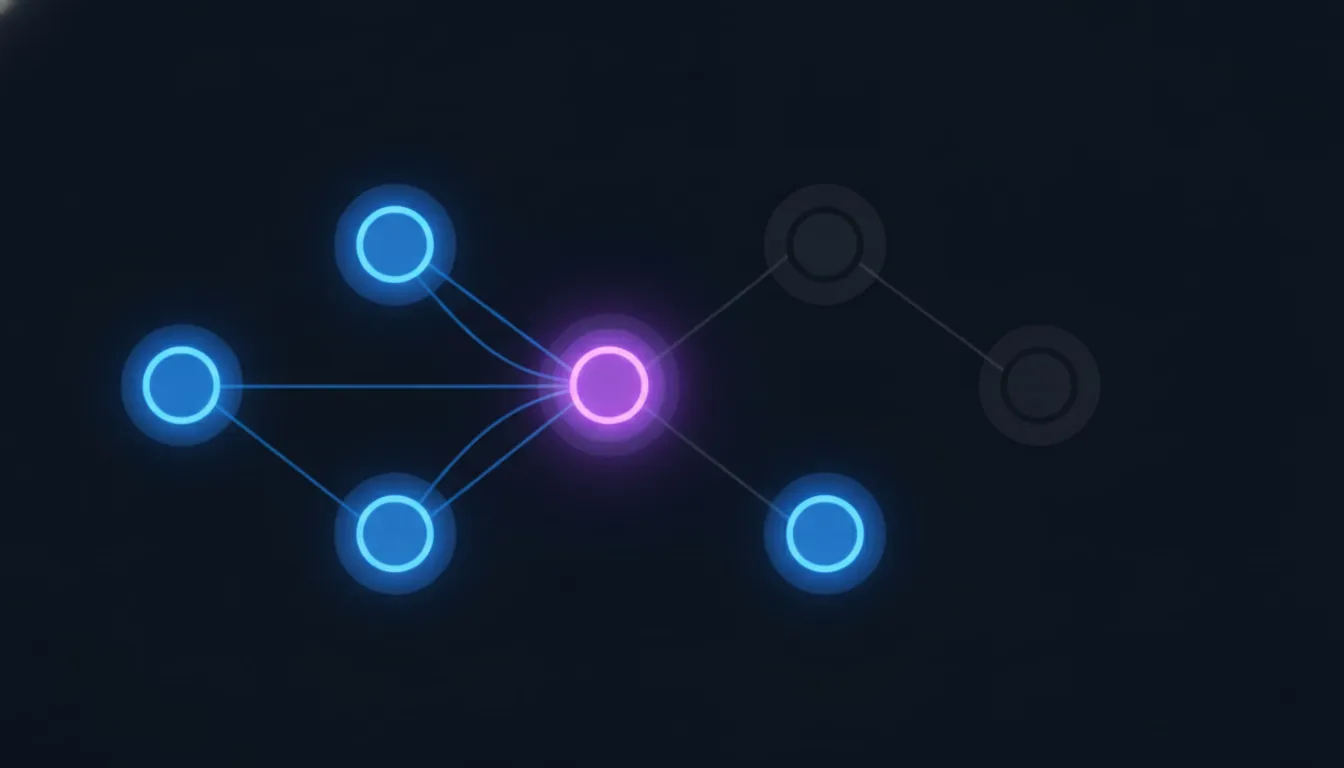
LangGraph builds human in the loop around an interrupt() call inside a graph node: calling it pauses execution at that exact point and persists the graph’s state through a checkpointer, commonly MemorySaver, so the paused run survives however long it takes a person to respond, whether that’s ten seconds or ten hours. A conditional edge upstream of the interrupt is what decides whether a given run hits it at all, which is where your confidence-threshold routing logic actually lives. This is the closest fit for a support or sales agent built as an explicit multi-step graph, since the pause is a first-class part of the graph rather than something layered on top of it.
CrewAI takes a simpler, task-level approach: setting human_input=True on a given task tells the framework to pause and have a person review the agent’s final answer for that task before the crew moves on, without you having to define a custom pause point yourself. It’s less flexible than LangGraph’s interrupt, since you can’t gate mid-task on a confidence score computed on the fly without extra code, but it’s considerably less work to wire up when a task-level review gate is genuinely all you need.
LlamaIndex’s workflow system uses an event-driven pattern: a tool or step emits an InputRequiredEvent, and the workflow calls ctx.wait_for_event() to pause until a matching HumanResponseEvent arrives, with waiter_id and requirements fields controlling exactly what response satisfies the wait. Because a HumanResponseEvent can come from a GUI, another agent, or an async callback, this pattern fits well when the reviewer-facing interface isn’t a simple form, or when the response might come from somewhere other than a direct human click, like a downstream approval system.
When should you not add a human in the loop at all?
Skip it when the cost of a wrong action is genuinely low and reversible, because every escalation you add trades speed and scale for a safety margin you may not need, and adding one everywhere just to feel careful is its own kind of mistake.
A password reset confirmation, a routine order-status lookup, or a reply that only points a customer to existing documentation carries little downside if the agent gets a rare edge case wrong; a person can correct it after the fact just as easily as before. Gating those actions behind a review step adds latency and reviewer cost for a risk that was already small, and it trains your reviewers to rubber-stamp low-stakes approvals, which quietly erodes how carefully they scrutinize the escalations that actually matter. Reserve human in the loop for where a wrong action is expensive, hard to undo, or genuinely ambiguous, and let everything else run. If you’re building the kind of AI SaaS product where your own customers will eventually see the deflection rate, escalation rate, and cost-per-resolution numbers your agent produces, AiAgRe ties escalation events into the same trace data your white-label dashboard renders, so a review gate you add for good reason shows up honestly in the numbers your customer sees, instead of quietly vanishing into an uncounted queue.
Frequently asked questions
What is human in the loop for AI agents?
Human in the loop is a design pattern where an AI agent pauses at a specific step in its workflow and waits for a person to review, correct, or approve its work before continuing, rather than completing the task unattended. It’s distinct from human on the loop, where a person can intervene but the agent doesn’t wait for them.
Is human in the loop the same as RLHF?
No. Reinforcement learning from human feedback (RLHF) uses human ratings to train or fine-tune a model before it ships, upstream of any live conversation. Human in the loop happens live, inside a specific production task, gating one particular agent run rather than shaping the model itself.
How do you decide the confidence threshold for escalating an AI agent to a human?
Split confidence scores into three bands per action type: high confidence proceeds automatically, low confidence hands off immediately without the agent acting, and a middle band drafts the action for a person to approve. Where the two lines sit should reflect how costly and reversible the specific action is, not a single fixed threshold across your whole product.
Does an escalated conversation count as a deflection?
No. Deflection rate measures contacts resolved without a human touch, and an escalation is a human touch by definition. Count a conversation as escalated the moment it crosses into the human-in-the-loop band, not only once a reviewer acts on it, and keep fully-automated resolutions and human-approved resolutions as two separate figures on any customer-facing dashboard.
How do you keep escalation queues separate across customers in a multi-tenant product?
Scope every escalation to its tenant at the point of capture rather than filtering by tenant only in the display layer, since a shared table filtered after the fact is exactly how one customer’s escalation ends up in another’s queue. Test the boundary directly by confirming a reviewer scoped to one tenant gets a clean failure, not a silent empty result, when requesting another tenant’s data.
Which agent framework has the best human-in-the-loop support?
It depends on the architecture. LangGraph’s interrupt() and checkpointing fit an explicit multi-step graph best, since the pause is native to the graph itself. CrewAI’s human_input=True is the fastest to set up for a simple task-level review gate. LlamaIndex’s InputRequiredEvent and HumanResponseEvent pattern fits best when the human response might come from a GUI, another agent, or an async approval system rather than a simple form.
Related reading: deflection rate covers the formula an escalation feeds into, AI agent testing covers how to catch a bad escalation decision before a customer does, and multi-tenant analytics is the tenant-isolation layer an escalation queue has to share. See pricing for how AiAgRe’s tracing and white-label dashboards fit into your stack.