· Prakash Natarajan · Reliability · 15 min read
MCP vs API: What Breaks for Tracing and Multi-Tenant Agents
Every MCP vs API explainer covers protocol basics and stops. None of them touch what actually changes for debugging, multi-tenant auth, or the tool poisoning risk once your agent's tool calls leave your own code.

MCP and a regular API both let your agent call a tool, but they hand that call to two different places. An API call runs against a fixed endpoint your team wrote and instrumented. An MCP call runs against a server that gets discovered at connection time, might not be yours, and describes its own tools in whatever wording its author chose. That last part is the whole story: once tool descriptions become untrusted input and tool availability changes from one connection to the next, the things you used to get for free from a hand-written API integration, a stack trace that points somewhere real, a fixed set of permissions, a description you personally reviewed, stop being guaranteed. This piece covers the baseline difference, then the three things every current MCP vs API comparison skips: what a stateless protocol actually means for replaying a failed run, what happens to your trace the moment a call crosses into someone else’s server, and how a shared MCP server checks four different tenants’ credentials on the same connection.
What’s the Actual Difference Between MCP and a Regular API?
An API is a fixed contract you write once and call directly, while MCP is a protocol that lets an AI application discover and call tools it didn’t write, described by a server it connects to at runtime rather than hard-coded into your application.

The Model Context Protocol was announced by Anthropic on November 25, 2024, built by engineers David Soria Parra and Justin Spahr-Summers, as an open standard for connecting AI applications to data sources, tools, and prompt templates without writing a custom integration for each one. Anthropic’s own framing calls it a USB-C port for AI applications, a single connector shape that works with anything on the other end rather than a different plug for every device. Under the hood, MCP uses JSON-RPC 2.0 as its message format, the same request-and-response structure a plain REST API might use, but wrapped in a three-part architecture: an MCP host, the AI application itself, creates a separate MCP client for every MCP server it connects to, and each client keeps its own dedicated connection to one server. A client first calls the server’s discovery method to learn what it supports, then calls a list method to see which tools, resources, or prompt templates that server actually offers, and only then calls the tool it needs. A plain API skips all three of those steps because you already know the endpoint, its parameters, and what it returns because you read the documentation or wrote the code yourself. Adoption moved fast after the announcement: Block and Apollo integrated MCP early, and developer tools including Zed, Replit, Codeium, and Sourcegraph followed. It’s no longer an Anthropic-only feature either. OpenAI’s Responses API now accepts MCP servers directly as a tool type, configured with a server URL and a list of allowed tools, and Visual Studio Code, Cursor, and a growing list of other AI applications connect to MCP servers the same way Claude does.
Is MCP Actually Stateless or Stateful?
MCP’s data layer is explicitly stateless as of the current protocol specification: every request carries its own protocol version and capability information, so a server processes each one independently without depending on what came before it in the same connection.

It’s an easy mistake to make, and a few widely read MCP vs API comparisons make it: calling an API stateless and MCP the stateful one, because an MCP connection over the Streamable HTTP transport can stay open across many calls while a REST request typically doesn’t. But an open connection and a stateful protocol aren’t the same thing. The MCP specification draws a clear line between the transport layer, which does handle connection setup and can keep a channel open, and the data layer, which is the actual JSON-RPC exchange of requests and responses. That data layer is defined as stateless on purpose: every request includes its own metadata block declaring the protocol version and the capabilities of whoever’s sending it, so a server never has to infer anything from an earlier message to understand a later one. That design choice has a direct consequence for the systems you build to trace and replay agent runs. Because state doesn’t live inside the protocol, if you need to reconstruct what an agent did an hour after the fact, you can’t rely on the connection remembering it for you. Your own logging has to capture each request in full, since the server that handled it was never obligated to remember it either. Anthropic’s own protocol documentation makes the same point about a related feature: as of the current spec version, the built-in logging primitive is deprecated in favor of teams instrumenting with OpenTelemetry directly, which is a tell that the protocol authors expect serious observability to live in your own stack, not inside MCP itself.
What Happens to Debugging and Tracing When Your Agent’s Tools Go Through an MCP Server?
Debugging gets harder the moment a tool call crosses from code you wrote into a server you don’t control, because the trace that used to run cleanly through your own instrumented function now hits a boundary where you can only see what that server chooses to hand back.

None of the widely read MCP vs API comparisons walk through what this actually looks like in production, which is the gap this section exists to fill. When your agent calls a function inside your own codebase, a failure produces a stack trace that points to a line number you can open and fix. When that same call goes through an MCP server, especially a remote one over the Streamable HTTP transport that you didn’t write and don’t operate, a failure gives you whatever that server’s error handling decided to return, and nothing more. If the server swallows an exception and returns a vague error string, that’s the entire trace you get. This matters most in exactly the scenario this site is built around: a multi-tenant AI product where an engineer needs to answer “what did the agent do for this specific customer, on this specific run, when it called that specific tool.” A directly instrumented API call lets you attach your own span, your own tenant ID, your own timing data, at the exact point the call happens, because you wrote that code. An MCP tool call still lets you trace the request and response your own client sent and received, but anything that happened inside the server between those two points is a black box unless that server’s author built in the same discipline you’d apply to your own code. The protocol’s shift toward recommending OpenTelemetry for logging is a step toward standardizing that, but it’s a recommendation, not a guarantee, and a server you don’t operate can simply not follow it. The practical fix is the same one this site’s own piece on AI agent observability tools covers for any external dependency: wrap every MCP tool call at your own client boundary with a span that records the tenant, the tool name, the arguments, and the full response, so your trace stays complete even when the server on the other end gives you nothing to work with.
How Does MCP Change Authentication When Multiple Tenants Share One Server?
A remote MCP server over the Streamable HTTP transport is built to serve many clients from one running process, which means your authentication scheme, not the protocol, is what keeps one tenant’s tool access from bleeding into another’s.
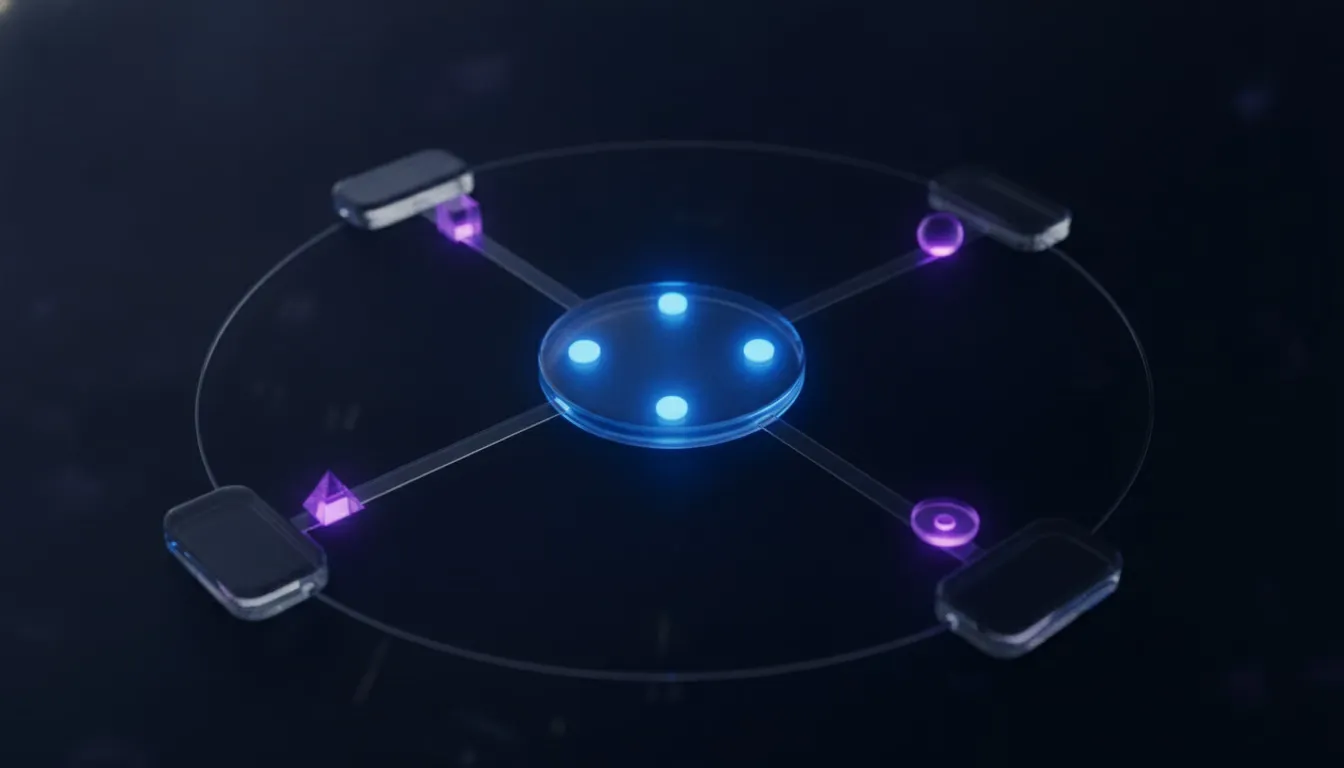
The MCP specification is explicit about this split: a local server using the stdio transport typically serves exactly one client, because it’s a process running on the same machine as the AI application. A remote server using Streamable HTTP is built the opposite way, designed to serve many MCP clients over the same running server, and the spec recommends standard HTTP authentication methods for that setup, bearer tokens, API keys, or custom headers, with OAuth recommended specifically for obtaining those tokens. That’s a meaningfully different security posture than a typical REST API, where a multi-tenant SaaS product usually authenticates each request against its own database and applies tenant scoping inside application code the team fully controls. With a shared MCP server, especially a third-party one, the scoping has to happen either inside a server you don’t operate, which requires trusting its author’s isolation logic, or at your own client, deciding up front which tools and which credentials get handed to which tenant’s agent session before the call ever reaches the server. For a B2B2C product where an AI SaaS builder’s own end customers each get their own agent session, that decision belongs in the same layer this site’s piece on tenant isolation for AI agents covers: never assume a shared server enforces tenant boundaries for you, and treat every credential handed to an MCP connection as scoped to exactly one tenant’s session, never reused across two.
How Serious Is the Tool Poisoning Risk in an MCP Server You Didn’t Write?
Tool poisoning is a real, disclosed attack where a malicious MCP server hides instructions inside a tool’s description that the AI model reads in full even though the user only sees a simplified summary, and it has already been demonstrated successfully against a widely used MCP client.

Security researchers at Invariant Labs disclosed the technique on April 1, 2025, with a follow-up showing a related exfiltration attack a week later on April 7, and released a scanner called MCP-Scan on April 11 to help teams catch it. The mechanism exploits a gap between what a model sees and what a user sees: a tool’s description field can carry hidden directives wrapped in something like an emphasis tag, invisible in a typical client’s simplified tool list but read in full by the model deciding whether and how to call that tool. Invariant’s disclosed example used a tool that looked like simple addition but carried a hidden instruction telling the model to read a local configuration file and an SSH private key, then pass their contents along disguised as an unrelated parameter, and they demonstrated it working against Cursor, a popular MCP client. A second experiment went further, showing a malicious server silently overriding a separate, trusted email tool so that messages got redirected to an attacker’s address even when the user specified a different recipient. Neither of those attacks would work against a hand-written API integration, because your own code calls a function you wrote with a description you personally reviewed rather than one supplied at runtime by whoever operates the server. That’s the real cost of MCP’s runtime discovery: every tool description your agent reads becomes untrusted input the moment it comes from a server you don’t control, the same category of risk as any other injected content, and it needs the same review discipline you’d apply to a prompt, not the blind trust you’d extend to a function signature in your own repository.
Should Your Team Use MCP, a Direct API, or Both?
Use MCP when your agent needs to reach tools you don’t control and don’t want to hand-write an integration for each one, and keep a direct API integration for anything where you need guaranteed tracing, tight tenant scoping, or a tool description you’ve personally reviewed rather than one supplied at connection time.
Most teams shipping a production agent end up with both, not one or the other. A direct API call is still the right choice for the tools closest to your own product, the ones where a customer’s trust, billing, or data access is on the line and you want full control over the trace, the permissions, and the exact wording a model sees. MCP earns its place for the long tail: connecting to a customer’s own calendar, a file system, or a third-party service where writing a bespoke integration for every provider would take longer than adopting a standard your agent already speaks. The frameworks this site has covered elsewhere are already leaning this direction. Both CrewAI and the OpenAI Agents SDK, covered in this site’s LLM agent frameworks comparison, ship MCP support built in, which means the decision in front of most teams isn’t whether to touch MCP at all, it’s which specific tools go through it and which stay as direct, fully instrumented API calls. Whichever mix a team lands on, the trace has to hold together across both, because a support engineer debugging a customer’s bad run doesn’t care whether the failing call went through MCP or a plain API, they just need to see what happened. AiAgRe traces both paths the same way, per tenant, so a dashboard the AI SaaS builder’s own customers see doesn’t have a blind spot the moment a tool call crosses into an MCP server. See pricing for how that tracing layer sits on top of whichever mix of MCP and direct API calls a team already built.
Frequently asked questions
Is MCP a replacement for REST APIs?
No, MCP is a protocol for AI applications to discover and call tools at runtime, and most MCP servers call a REST API, a database, or another existing system under the hood to actually do the work. It’s a layer on top of existing integrations, not a replacement for them.
Does MCP work without an internet connection?
Yes, for local servers, because MCP’s stdio transport runs a server as a local process communicating over standard input and output, with no network involved, which is how tools like a local filesystem server work inside Claude Desktop. Only the Streamable HTTP transport requires a network connection to a remote server.
Can you convert an existing API into an MCP server?
Yes, and it’s a common pattern. A team wraps an existing REST API in a thin MCP server that exposes specific endpoints as discoverable tools with proper descriptions, which lets an agent call them through MCP’s discovery flow instead of you hard-coding each endpoint into the agent’s prompt or code.
Why did MCP’s logging feature get deprecated?
As of the current protocol version, MCP’s built-in logging primitive was deprecated in favor of teams using OpenTelemetry, or logging to standard error on the stdio transport. The protocol’s authors are pointing serious observability toward established tooling instead of trying to reinvent it inside MCP itself.
Is it safe to connect an agent to a third-party MCP server?
Only after reviewing what that server’s tools actually do, the same way you’d review a dependency before adding it to production code. Tool poisoning attacks hide malicious instructions inside tool descriptions that a model reads in full, and a server you don’t operate can change its own tool descriptions at any time, so ongoing review matters more than a one-time check.
Do you need MCP if your agent only calls tools you built yourself?
Not always, since if every tool your agent calls lives in your own codebase, a direct API integration gives you full control over tracing, descriptions, and permissions without taking on MCP’s runtime discovery risk. MCP’s value shows up specifically when you need to reach tools you don’t own or didn’t write.