· Prakash Natarajan · Reliability · 15 min read
Prompt Versioning Without Breaking Deflection Rate
Prompt versioning tracks changes to an AI agent's prompt, but an eval score that passes on average can still hide a regression that only shows up in one tenant's deflection rate.

Prompt versioning means tracking every change to an AI agent’s prompt as its own addressable version, the same way you’d track a code release, so you always know exactly which wording produced which behavior in production and can roll back the moment a change goes wrong. The mechanics (version IDs, diffs, environments, rollback) are already well covered by the prompt tooling vendors writing about this. What most of those guides skip is what happens after a new version passes its offline eval and actually ships: whether it holds up per tenant, against the real deflection rate and resolution numbers a B2B2C AI SaaS builder reports to its own paying customers, not just against one aggregate test-set score.
What actually changes when you version a prompt instead of just editing it?
Versioning a prompt means every edit becomes its own addressable snapshot instead of an overwrite, so the exact wording behind last Tuesday’s conversations is still there to compare against today’s, not lost the moment someone saves over it.
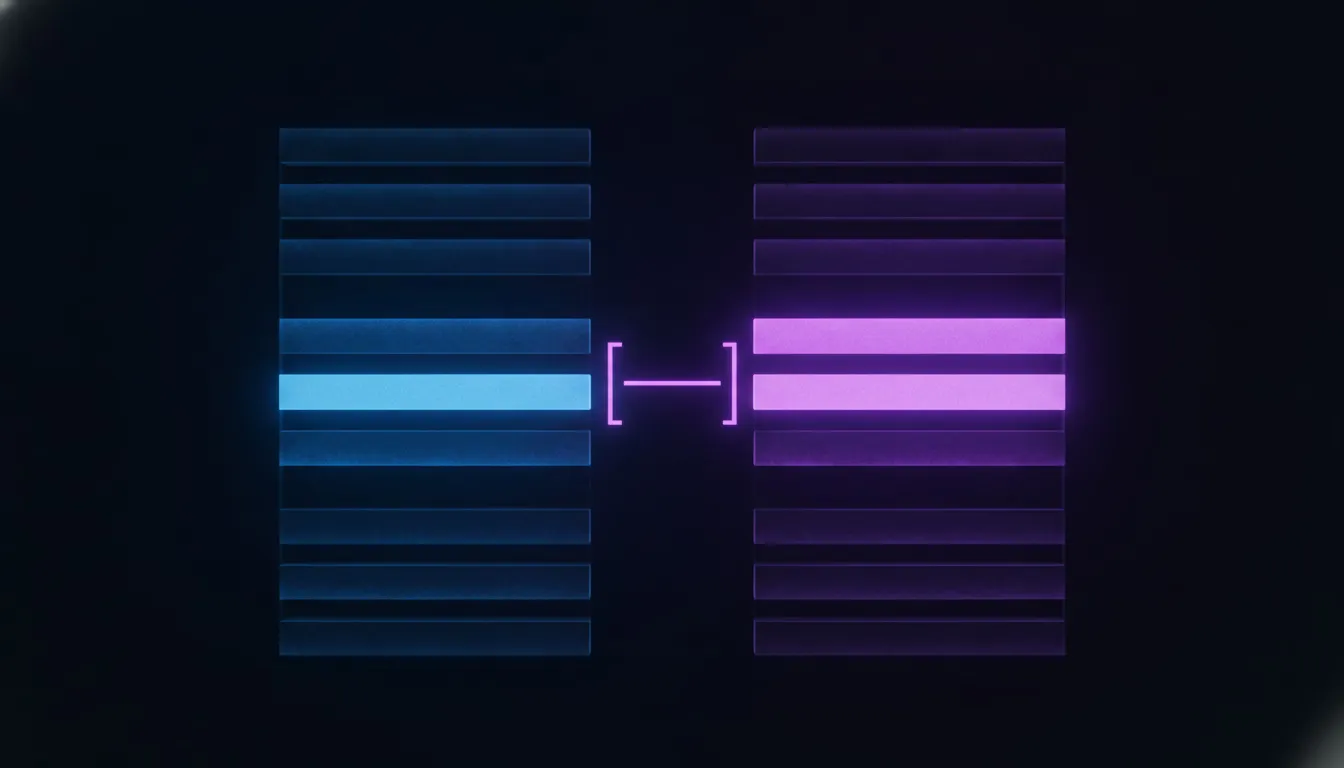
A version worth calling a version needs more than the prompt text on its own. It has to capture the model it ran against, the temperature and other parameters in play, and any retrieval or tool configuration active at the time, because changing any one of those alongside the wording can produce a completely different agent even when the prompt text itself looks unchanged on a diff. Treat the model and parameters as part of the version, not as separate settings living somewhere else, or a rollback that only restores the prompt text can still leave you running against a different model than the one that version was actually tested with.
The version also needs a diff view worth reading, not a timestamp next to a wall of text. A one-line wording change, swapping “cancel the subscription” for “process the cancellation request”, can shift how reliably a downstream tool call gets triggered, and a reviewer scanning a full prompt block for the second time in a week will miss that kind of change far more often than someone looking at a highlighted diff of exactly what moved.
Why does a prompt change break things a code change usually wouldn’t?
A prompt change breaks things a code change wouldn’t because the model’s response to new wording isn’t deterministic and often isn’t obvious from reading the prompt alone, so an edit that looks like a harmless clarification can quietly shift tone, format, or which tool the agent decides to call.

Code review works because a reviewer can trace cause and effect: this line changed, so this behavior changes, predictably. A prompt doesn’t offer that guarantee. Rewording an instruction to sound clearer to a human reader can change how the model parses the surrounding context, and the same edit that fixes one edge case can introduce a new one nobody was testing for, since the model is pattern-matching against the whole prompt rather than executing it line by line. Prompts also tend to get edited by people who never touch the codebase: a support lead tightening a tone, a product manager adjusting an escalation rule, someone testing a variant in a playground. Every one of those edits needs the same review discipline as a code change, even from someone who has never opened a pull request before.
The output shape matters as much as the tone. If your agent’s prompt tells it how to phrase a completed action and the wording shifts even slightly, it can change whether the model’s reply still parses cleanly into the structured fields your resolution logic expects, and a prompt that reads fine to a person can still break a downstream parser that was tuned to the old phrasing.
This is also why “it passed code review” and “it’s safe to ship” aren’t the same claim for a prompt the way they usually are for application code. A reviewer approving a wording change is judging whether the sentence reads correctly, not whether the model’s behavior across a thousand different real conversations stays inside the bounds your product depends on. Those two judgments can and do disagree, and the gap between them is exactly where a prompt change that looked obviously fine on review turns into a production incident nobody flagged at the time.
How do you test a prompt change before it ships, not just review the diff?
You test it against a fixed set of real conversation cases, the same set every time, and you check the output on each one rather than trusting that a diff which reads fine will behave fine.
Start with a test set built from real production conversations, not synthetic examples written to be easy to pass. Deterministic checks catch the cheap failures first: does the reply still contain the fields your resolution logic parses, does it still call the tool it’s supposed to call. Above that, an LLM-as-judge pass with a written rubric catches the softer failures a deterministic check can’t: whether the tone still matches your brand voice, whether the reply is still specific enough to actually help. AI agent evaluation tools that support this kind of layered scoring will run both passes automatically against every version and hand you a comparison instead of a single number.
Set a real threshold and treat it as a gate, not a suggestion. A version that scores below your threshold on the test set shouldn’t be promotable to production, the same way a failing CI run blocks a code merge. That threshold should live in your test suite, not in a person’s judgment call at review time, because the whole point of testing before shipping is removing “it seemed fine when I read it” as the actual quality bar.
What happens when a prompt change passes eval but breaks one tenant’s deflection rate?
It ships fine on average and quietly wrecks the numbers for the one tenant whose conversations don’t look like your test set, because an aggregate eval score is a proxy for production behavior, not a guarantee of it, and averages hide exactly the kind of single-tenant regression that matters most in a multi-tenant product.

A test set blended from conversations across all your tenants can pass comfortably at a strong aggregate score while one specific tenant’s traffic, heavier on refund requests than the average, sees its tool-call accuracy collapse on that exact new phrasing. The aggregate number never shows you that, because the other tenants’ unaffected traffic pulls the average right back up. This is the gap every prompt versioning guide from the tooling vendors misses: they test and promote a version once, globally, against one shared score.
The fix is to treat the rollout the way you’d treat a canary release, not a single cutover. Ship the new version to one tenant first, or to a small slice of one tenant’s traffic, and watch that specific tenant’s deflection rate and resolution numbers over a real sample, the same numbers you’d expose to that tenant in a customer-facing analytics view, rather than trusting the aggregate eval score alone. Set the rollback trigger on that live number: if a canaried tenant’s deflection rate drops more than a defined amount over enough conversations to be signal rather than noise, roll that tenant back automatically and hold the promotion for everyone else pending a look at why. A platform built to trace deflection rate and cost per resolution per tenant already, which is exactly what AiAgRe does, gives you the live signal this canary needs, because it watches the number your customer actually sees, not a proxy for it.
What should the rollback actually look like?
A real rollback is a pointer change, not a redeploy: the previous version stays intact and addressable, and reverting means pointing “production” back at it, which should take seconds, not a new release cycle.

Keep every version immutable once it has served real traffic. Don’t overwrite a version in place, even to fix a typo, because the moment you do, you lose the ability to say with certainty which exact wording produced last week’s conversations. Use an explicit label, “production” or its equivalent, that always resolves to whichever version is currently live, and move that label rather than the underlying content when you promote a new version or roll one back. That single mechanic, a label you can reassign instantly, is what turns a rollback from an incident into a non-event.
In a multi-tenant product, rollback needs one more layer none of the mainstream prompt versioning guides mention: it has to be tenant-scoped, not global. If a new version breaks one tenant’s numbers and holds fine for everyone else, reverting every tenant back to the old version throws away a real improvement for the tenants it worked for, just because of a mismatch with one tenant’s specific traffic pattern. Point the “production” label back to the previous version for the affected tenant only, and leave the rest of your customers on the new one, then figure out afterward whether the fix is a tenant-specific variant or a change to the shared version.
Which prompt versioning setup actually fits your stack: git, a database, or a dedicated platform?
It depends on how often non-engineers need to touch the prompt and how much built-in evaluation you need, because git alone covers version history well but gives you almost nothing for testing or rollback labels, and a dedicated platform trades some simplicity for both.
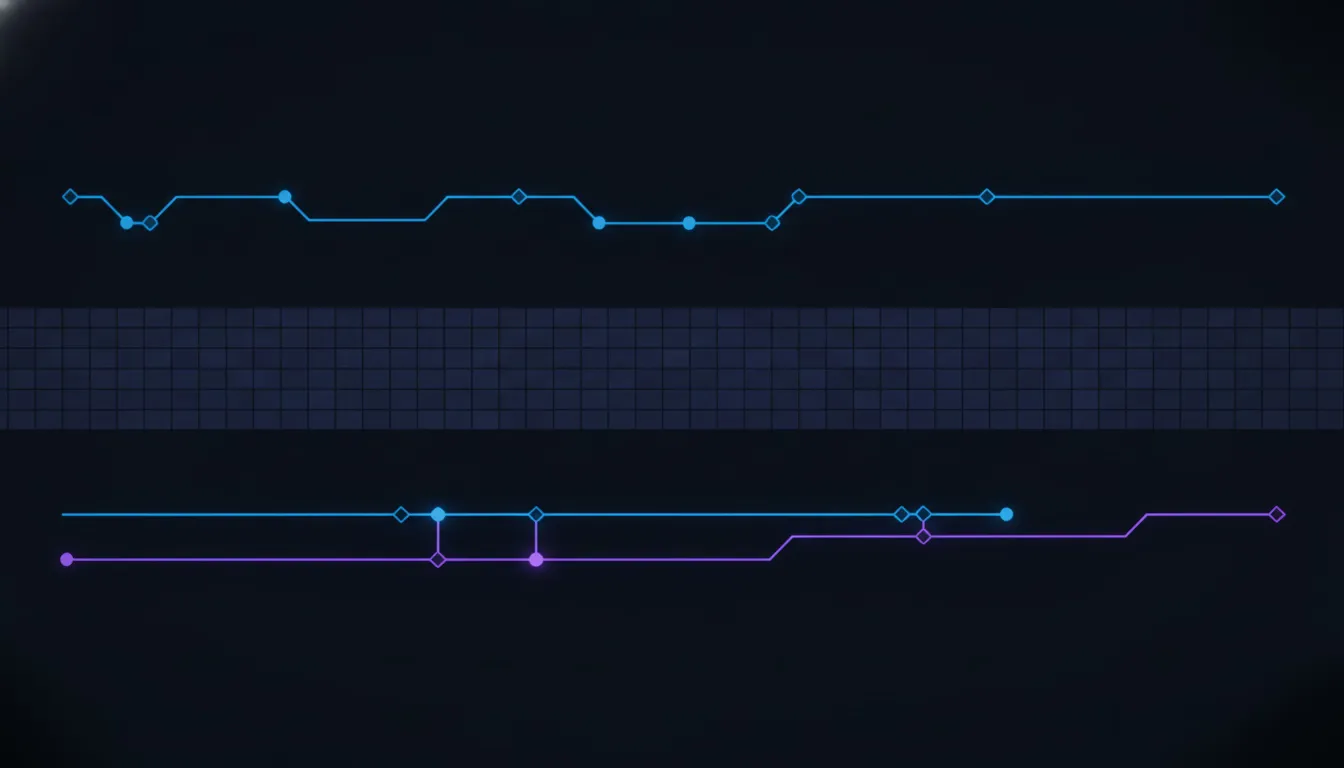
Git-based versioning works if your prompts live in your codebase and only engineers edit them: every change gets a commit, a diff, and a PR review for free, using tooling your team already knows. It falls apart the moment a non-engineer needs to test a wording change without opening a pull request, or the moment you want a side-by-side comparison of two versions’ outputs across a test set, because git was built to diff text, not to run and score prompts against live model calls.
A custom database table is the middle option teams often build themselves: store the prompt text, a version number, and a few metadata fields, then query it at runtime. It works until someone needs a comparison view, an approval workflow, or a rollback label, at which point the team ends up rebuilding, piece by piece, the exact feature set a dedicated platform already ships.
Dedicated tools close that gap in different ways. Langfuse versions prompts with automatic IDs and lets you attach custom labels, useful for environments like staging and production, and for tagging a version to a specific tenant when you need that. Braintrust leans further into the CI side: it can gate a prompt promotion behind an automated eval run and block it below a score threshold, the same way a failing test blocks a code merge. Neither one solves the per-tenant canary problem on its own, so whichever you pick, you’re still building that layer yourself on top.
Pick based on who actually edits the prompt day to day, not on which tool has the longer feature list. A two-person engineering team that owns every prompt edit can get a long way on git alone, with a lightweight script to run the test set on every pull request. A team where support leads or product managers regularly adjust wording, without waiting on an engineer to open a PR, needs the labels, the playground, and the approval workflow a dedicated platform already built, because rebuilding that safely from scratch is a bigger project than most teams expect going in.
What to check before your next prompt change ships
Pull the last twenty real conversations where the current prompt version handled a case correctly, and use them as your baseline test set today, even before you build anything more sophisticated. Run your candidate version against that same set and read every output by hand once, checking specifically whether the tool calls it triggers still match what your resolution logic expects, not just whether the reply text still reads well.
If you run more than one tenant, pick your single heaviest tenant by conversation volume and check whether that tenant’s traffic pattern actually resembles your test set. If it doesn’t, more refund requests, more escalations, a different tone in how customers write to it, that mismatch is exactly where an aggregate-passing version can still fail one tenant in production, and it’s worth building a canary rollout for that tenant specifically before you promote anything globally.
None of this needs a dedicated evaluation team to start. It needs a real test set built from your own traffic, a threshold you actually enforce before promotion, and a way to watch the one number that tells you whether a shipped change is actually working: the deflection rate your customer sees, not the eval score you saw first.
Frequently asked questions
What is prompt versioning?
Prompt versioning is the practice of tracking every change to an AI prompt as a distinct, addressable version, capturing the exact wording, model, and parameters used together, so you always know which version produced a given output and can roll back to a previous one instantly.
What’s the difference between prompt versioning and prompt management?
Prompt management is the broader practice of organizing, storing, and deploying prompts across a team. Prompt versioning is one part of it, specifically the history of changes and the ability to identify and revert to any past state.
Do you need a dedicated tool, or is git enough for prompt versioning?
Git is enough if only engineers edit your prompts and you don’t need built-in evaluation or rollback labels. Once non-engineers need to test changes, or you want a version gated behind an automated eval score, a dedicated platform like Langfuse or Braintrust removes work you would otherwise build yourself.
How do you test a prompt change before deploying it?
Run the candidate version against a fixed test set built from real conversations, check deterministic fields like whether the expected tool call still fires, then layer in an LLM-as-judge pass for tone and specificity, and block promotion if the version scores below a threshold you’ve set in advance.
How does prompt versioning work in a multi-tenant AI product?
The same version mechanics apply, but promotion should be canaried tenant by tenant against that tenant’s real deflection rate and resolution numbers, not just an aggregate eval score, and rollback should be able to target one tenant without reverting the version for tenants it worked for.
Can a prompt change break an agent even if the eval score looks fine?
It can, because an aggregate eval score built from a blended test set can hide a regression specific to one tenant’s traffic pattern, since other tenants’ unaffected results pull the average back up. A canaried rollout against live per-tenant metrics catches failures a single global eval score misses.
Related reading: the eval methodology this piece builds on is covered in more depth in AI agent testing, and the metric a bad prompt version quietly moves is explained in deflection rate, explained. Teams that tracked prompt versions in Humanloop specifically now need a replacement as it sunsets, covered in Humanloop alternatives. See pricing for how AiAgRe’s per-tenant tracing fits into your rollout process.